Call of Ops 3

Platform: Web Browser — best on PC (keyboard/mouse)
Controls: WASD - Move Space - Jump C - Crouch LMB - Shoot RMB - Aim R - Reload P - Pause menu 1 2 3 - Select weapon
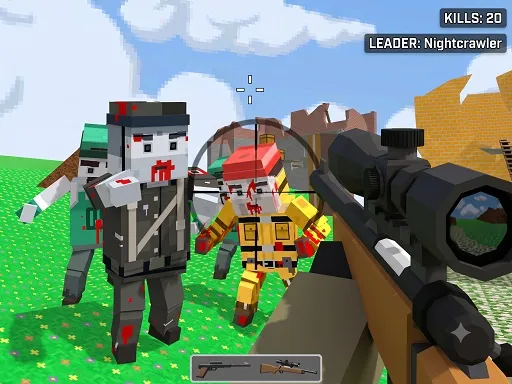
Call of Ops 3 delivers a CSGO-style tactical shooter experience straight to the browser, no forty-gigabyte install required. The full counter-terrorist toolkit is here: WASD to move, space to jump, C to crouch, left mouse to fire, right mouse to aim, R to reload, and number keys to manage your loadout across multiplayer firefights. The 3D maps channel classic tactical shooter design — corners to check, angles to hold, and bomb sites that see the same dramas play out match after match. Multiplayer structure means real opponents with real aim, punishing sloppy movement and rewarding the fundamentals that have defined the genre for decades. The gunplay is tight and honest, with weapon handling that respects the source material. It runs free in the browser with surprising smoothness. For tactical shooter fans who want the ops experience without the download queue, the match is starting — gear up and hold your angles.
How to play
WASD - Move Space - Jump C - Crouch LMB - Shoot RMB - Aim R - Reload P - Pause menu 1 2 3 - Select weapon
FAQ
Is Call of Ops 3 free to play?
Yes — Call of Ops 3 is completely free and runs directly in your browser. No download, no signup, no installation.
Can I play Call of Ops 3 on my phone?
This game is designed for keyboard/mouse and works best on a PC or laptop browser.
Do I need to download anything?
No. The game loads instantly in this page — just scroll up and press play.
What games are similar to Call of Ops 3?
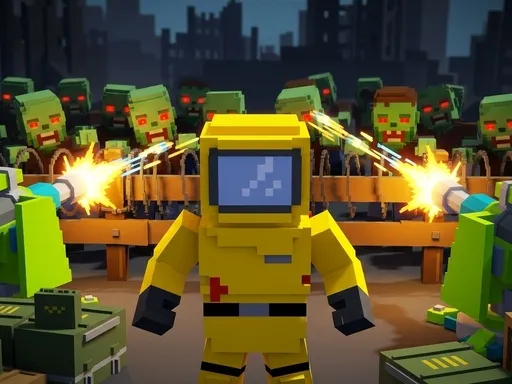
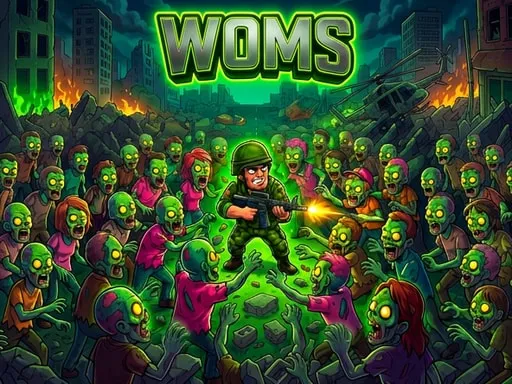
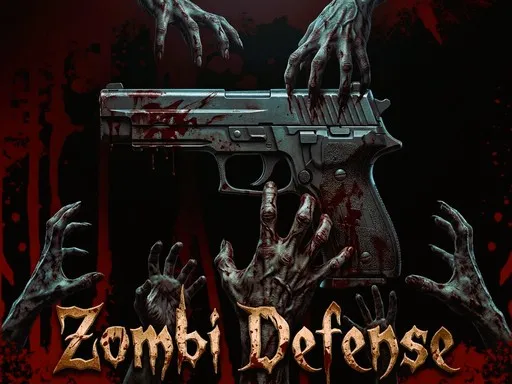
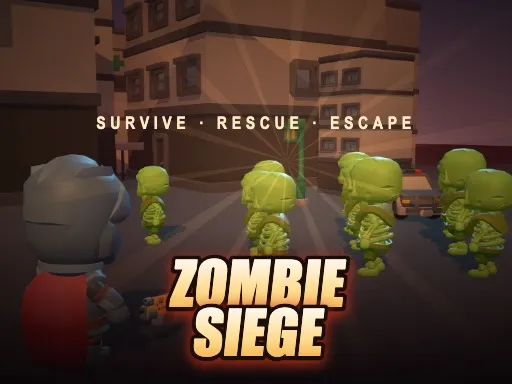
If you enjoyed Call of Ops 3, try Pixel Zombie Base Defense, WOMS World of Master Survivors, Undead Walking 3D, Zombi Defense — more in Shooting.