Plants vs Zombies
Platform: Web Browser — plays great on PC & mobile
Controls: Drag plants to merge them
Editor review updated: 2026-09-20
Play the hit action-strategy adventure where you meet, greet, and defeat legions of hilarious zombies from the dawn of time, to the end of days. Amass an army of amazing plants, supercharge them with Plant Food, and devise the ultimate plan to protect your brain. DISCOVER HUNDREDS OF PLANTS AND ZOMBIES
Editor's take
The browser version of the tower-defense classic, and it still humiliates almost everything made since. The genius is the economy of dread: sun trickles in just slowly enough that every planting decision is a gamble, and the moment you feel safe a conehead shambles into the lane you skimped on. Twenty years of imitators haven't dulled the design — five lanes, a lawn, and an army of plants with exactly one job each is a system so clean it teaches itself. The merge-friendly browser build is gentler than the original's adventure mode, but the core loop of scouting a wave, adjusting your defense, and barely holding the line is fully intact. It also happens to be one of the best-playing touch games in our entire library. Best for: strategy fans who want horror dressing without the jump-scares, and anyone who's never understood what the fuss was about — you will by level three.
How to play
Drag plants to merge them
FAQ
Is Plants vs Zombies free to play?
Yes — Plants vs Zombies is completely free and runs directly in your browser. No download, no signup, no installation.
Can I play Plants vs Zombies on my phone?
Yes — this game supports touch controls and plays great on phones and tablets.
Do I need to download anything?
No. The game loads instantly in this page — just scroll up and press play.
What games are similar to Plants vs Zombies?
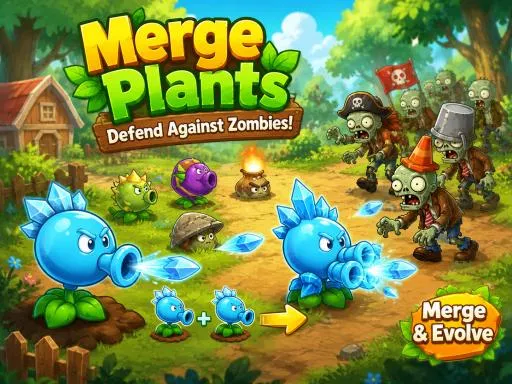
If you enjoyed Plants vs Zombies, try Plant Squad, Bedroom Defense, Run Witch Run, Kim Jong Un Backrooms — more in Adventure.