Return Of Evil Granny: The School



Platform: Web Browser — best on PC (keyboard/mouse)
Controls: W A S D to walk around Mouse to Look around Left Mouse Button to Fire Right Mouse Button to Aim Mouse Wheel To Change Weapons G for Grenades R to Reload F to Pickup Items Left Shift to Run Left CTRL to Crouch X to P
Editor review updated: 2026-09-19
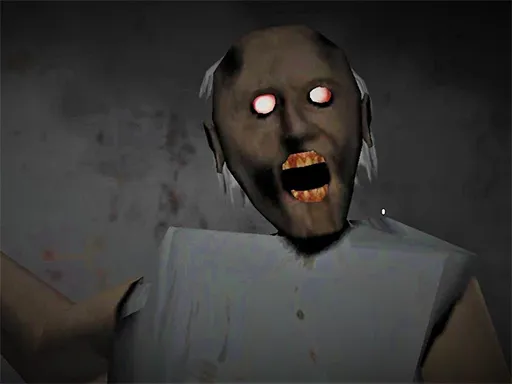
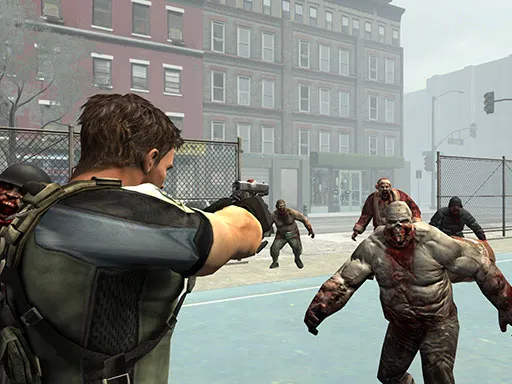
Return Of Evil Granny: The School moves the granny-horror nightmare into a place that was already scary: school after dark. Granny has taken over the classrooms and corridors, and your escape means searching for keys, solving puzzles, and — new this time — fighting back, with a mouse-look, left-click to fire, and right-click aim alongside WASD movement. The school setting adds fresh terror geography: long locker-lined hallways, echoing gymnasiums, and too many classroom doors that could hide anything. Zombie-flavored enemies join Granny's faculty, giving the weapons something to do while the puzzles gate your route out. WebGL delivers the atmosphere in the browser with no download. It is the series' biggest swing: part stealth horror, part shooter, all set in the world's worst detention. Class is in session, and Granny is watching. Find the keys, solve the puzzles, and graduate from the worst school in horror gaming.
Editor's take
Granny has taken over a school after dark — a building that was already scary — and this time you can fight back. Return Of Evil Granny: The School keeps the key-hunt skeleton of the genre (search classrooms, solve puzzles, unlock routes) but adds mouse-look shooting: left-click fire, right-click aim, grenades on G. The weapon doesn't make Granny less frightening; it just makes you braver than you should be, which is its own trap. The school geography is the star — long corridors, echoing gymnasiums, too many doors to check. Full keyboard-and-mouse control scheme, so this is desktop-only and the page says so up front. The smartest escalation the Granny formula has produced in the browser space.
📖 Tips & Walkthrough
Return of Evil Granny: The School is the series' biggest swing: part stealth horror, part shooter. Search the after-dark school for keys, solve the puzzles that gate your route, and shoot back when the zombie faculty gets too close. Escape means graduating with all the keys in hand.
- Learn the layout first: locker-lined hallways, gymnasium, and classroom wings. Knowing two routes to any door is what keeps you alive.
- Collect keys and puzzle items room by room — don't sprint across the school for one objective.
- Save ammo for zombie-flavored enemies you can't walk past; Granny herself is best outmaneuvered, not outgunned.
- Use crouch (Ctrl) to lower your profile in the halls and Shift only for emergency dashes.
- When Granny closes in, break line of sight through doorways, then double back — she commits to the direction she saw you run.
Quick tips:
- Reload (R) after every fight, not during the next one.
- Solving puzzles opens shortcuts — worth more than any single weapon.
- Her hearing has not dimmed: doors and gunfire both call her.
How to play
W A S D to walk around Mouse to Look around Left Mouse Button to Fire Right Mouse Button to Aim Mouse Wheel To Change Weapons G for Grenades R to Reload F to Pickup Items Left Shift to Run Left CTRL to Crouch X to P
FAQ
Is Return Of Evil Granny: The School free to play?
Yes — Return Of Evil Granny: The School is completely free and runs directly in your browser. No download, no signup, no installation.
Can I play Return Of Evil Granny: The School on my phone?
This game is designed for keyboard/mouse and works best on a PC or laptop browser.
Do I need to download anything?
No. The game loads instantly in this page — just scroll up and press play.
What games are similar to Return Of Evil Granny: The School?
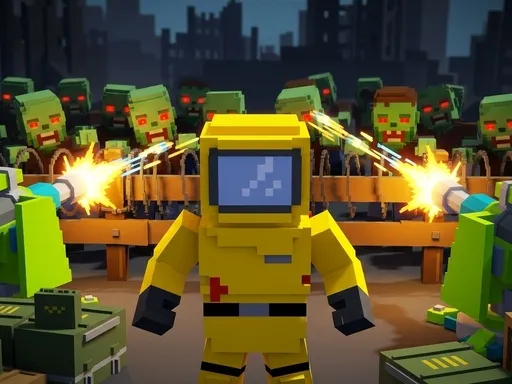
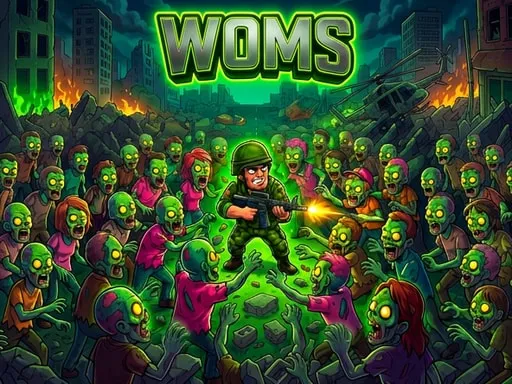
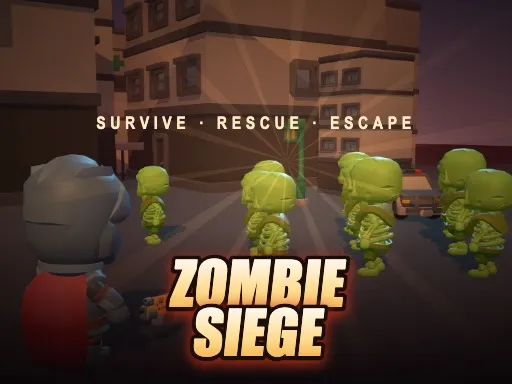
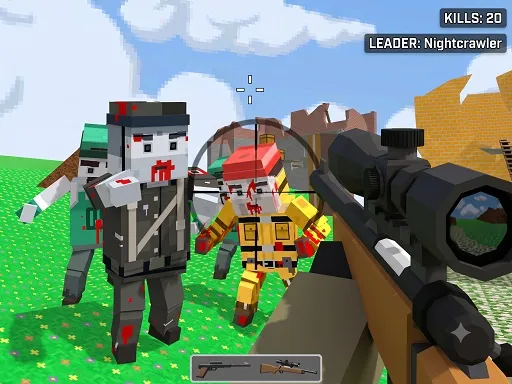
If you enjoyed Return Of Evil Granny: The School, try Pixel Zombie Base Defense, WOMS World of Master Survivors, Undead Walking 3D, Zombi Defense — more in Shooting.